
Download Splashup – Photo Editor, Image Enhancer, Mobile Photo Editor
Overview
Splashup Light is a streamlined image editing tool designed for users seeking efficient photo enhancements without the complexity of professional software. The app serves as a practical solution for individuals who need to adjust, refine, or creatively modify images directly from their smartphones. Whether it’s improving lighting, correcting colors, or adding text overlays, Splashup Light addresses common image editing challenges with a minimalistic yet functional approach. Its target audience includes casual users, social media content creators, and anyone who values quick, reliable photo adjustments on the go.
As a productivity-focused mobile app, Splashup Light fits seamlessly into daily workflows where visual content plays a key role. Users can edit photos for personal use, create shareable graphics, or prepare images for digital communication—all without requiring prior experience in photo editing. The developer, Splashup, has positioned this tool as a lightweight alternative to heavy-duty editing platforms, emphasizing accessibility and ease of use. While specific details about the company’s background are not available, the app’s consistent release history since 2014 suggests a stable and maintained product.
Real-world applications include enhancing portraits, preparing images for social media posts, or adding captions to personal photos. In the broader app ecosystem, Splashup Light stands out as a dedicated utility for users who prioritize speed and simplicity over advanced features. Its free pricing model further enhances its appeal, making it accessible to a wide range of users across different demographics.
Key Features & Functionality
- User-Friendly Interface: Designed with intuitive navigation, the interface allows users to access tools with minimal effort. The layout is clean and uncluttered, enabling quick transitions between editing functions without confusion.
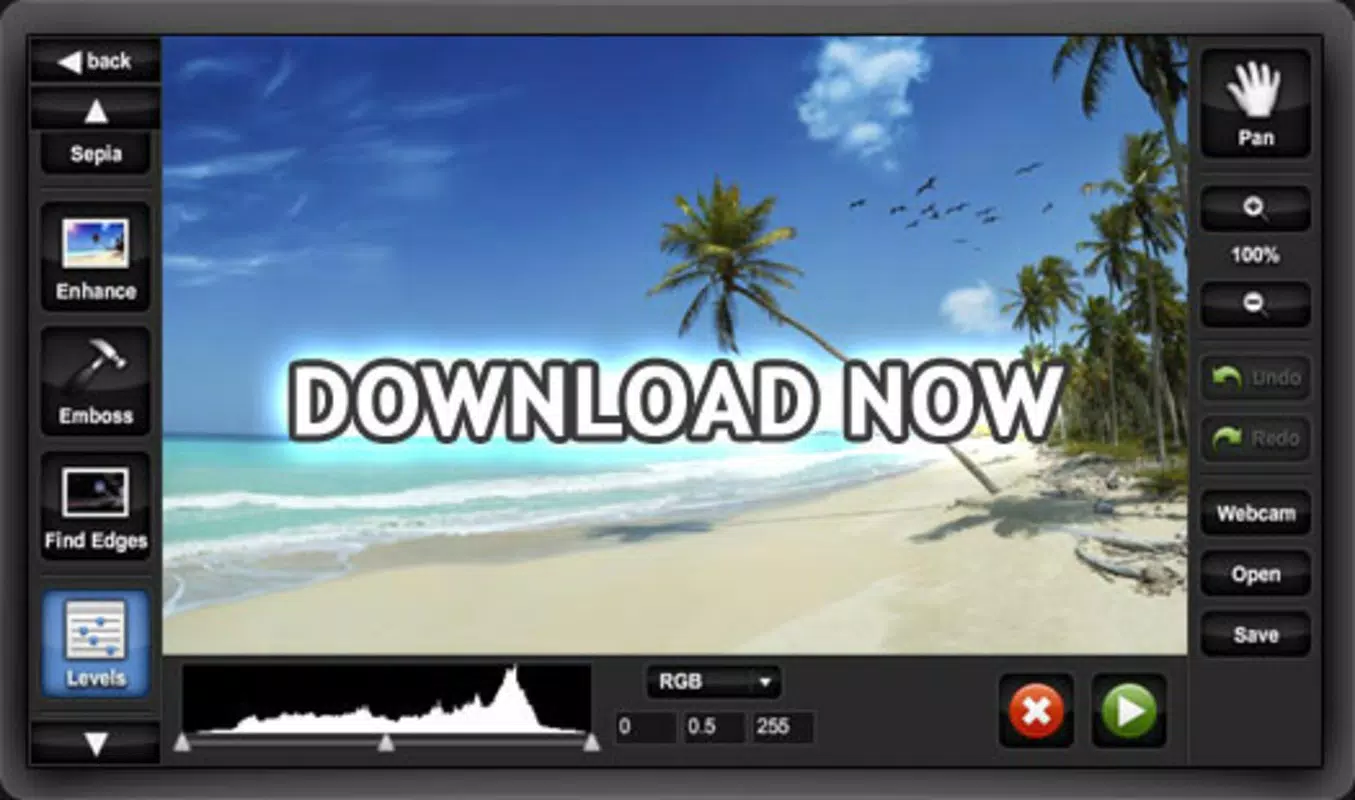
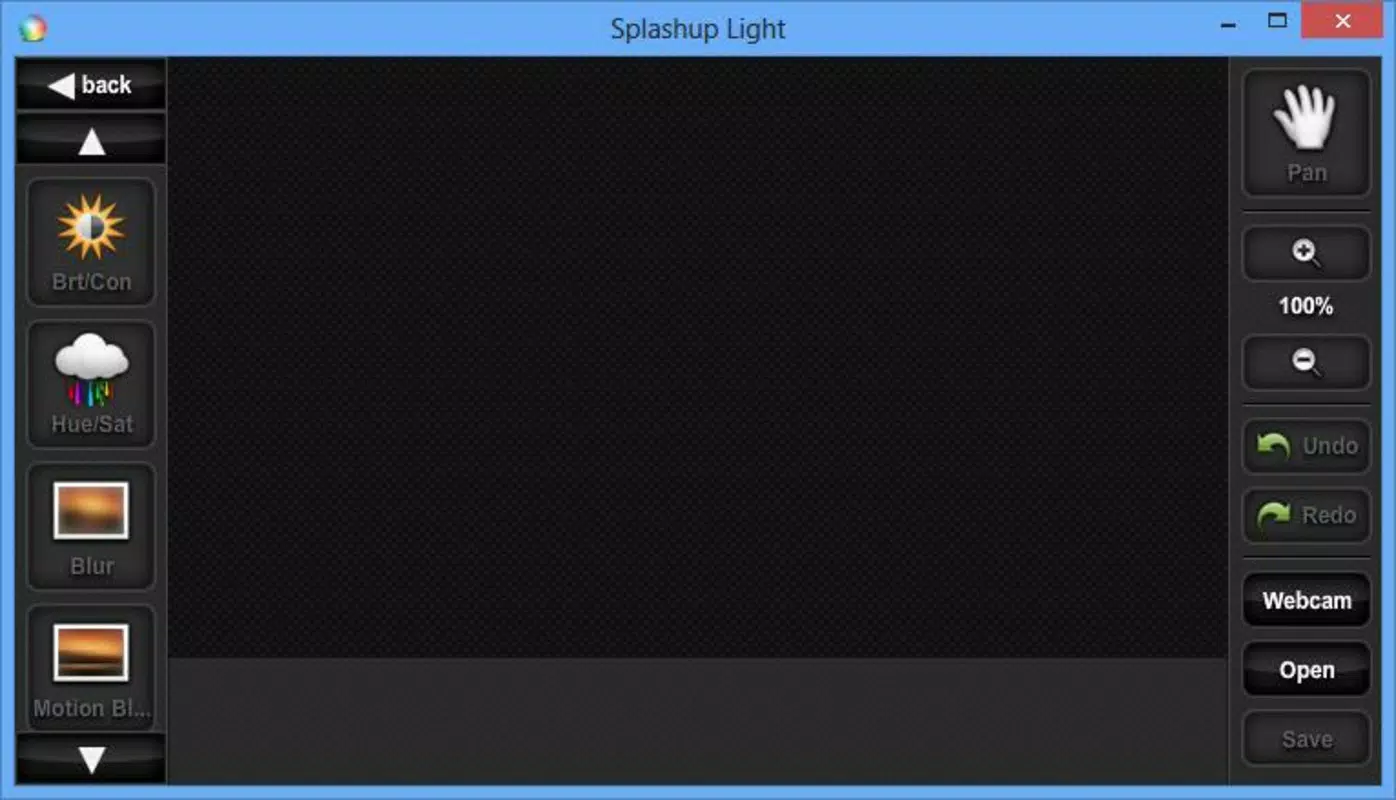
- Comprehensive Editing Tools: Offers core functions such as color adjustment, contrast and saturation control, and blurring effects. These tools enable users to correct exposure issues, enhance visual clarity, and apply subtle artistic filters.
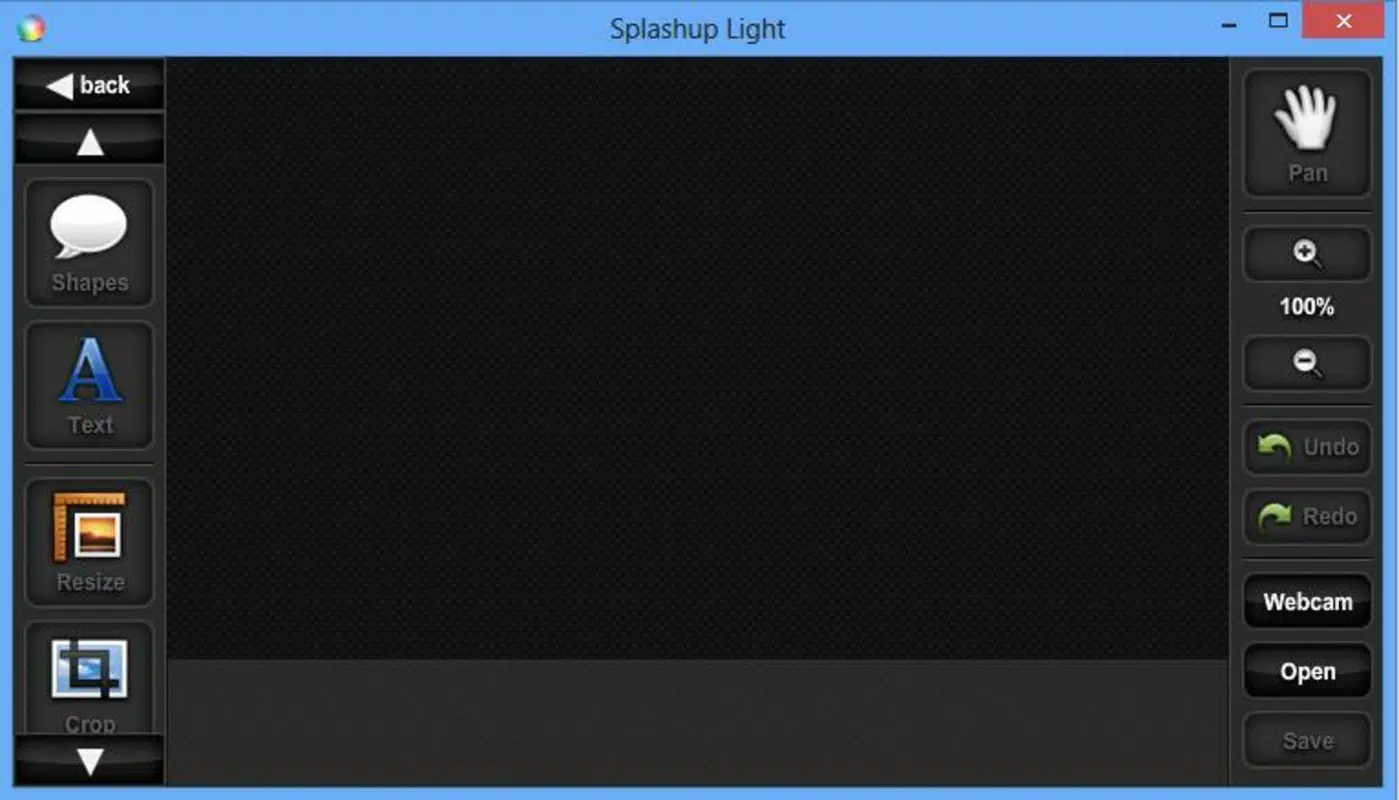
- Image Manipulation Options: Includes rotation, resizing, and inversion features. These allow users to reposition or reformat images to suit different display formats, such as vertical layouts for Instagram or horizontal frames for presentations.
- Text Superimposition: Enables the addition of custom text overlays with adjustable font size, color, and position. Ideal for creating captions, quotes, or branding elements on photos.
- Versatile Enhancements: Supports a range of visual effects, including hue shifting, darkening, and artistic adjustments. These options empower users to experiment with creative styles while maintaining control over the final output.
For example, a user preparing a travel post can rotate a landscape photo, adjust brightness, and add a caption using the text tool—all within a few taps. Similarly, someone sharing a family photo might use blurring to soften the background or enhance contrast for better clarity. Each feature is built to serve a specific, practical need, making the app effective for both everyday edits and light creative projects.
Interface, UX & Performance
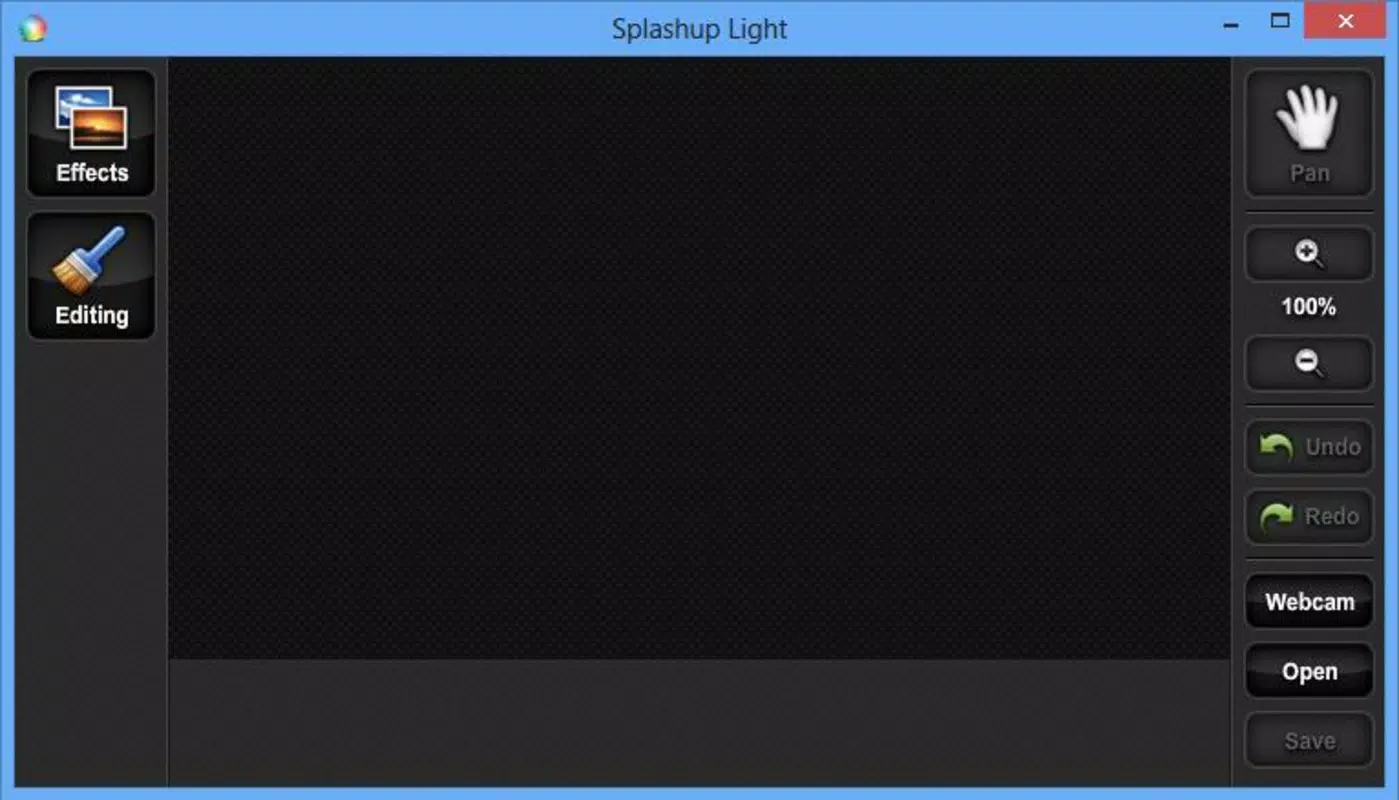
The user interface of Splashup Light reflects a clean, minimalist design philosophy. Navigation is structured around a central toolbar that provides quick access to essential editing tools. The layout prioritizes usability, with clearly labeled icons and a logical flow between functions. Users can switch between tools without losing context, which supports a smooth editing experience.
Visual feedback is immediate—adjustments apply in real time, allowing users to see changes as they tweak settings. This responsiveness enhances the overall sense of control and reduces the need for trial and error. The app maintains consistent performance across various Android devices, though specific performance metrics were not disclosed by the developer.
Although the developer did not list formal performance metrics, the app’s lightweight size of 25.8 MB suggests optimized resource usage. This makes it suitable for older or mid-tier Android devices where storage and processing power may be limited. Stability appears to be well-maintained, as the app has remained available since its initial release in 2014. The absence of reported crashes or compatibility issues in public forums indicates a reliable runtime experience.
Platform Compatibility & Technical Requirements
Splashup Light is available exclusively on the Android platform. The current version is 2.0.3, with a file size of 25.8 MB. The developer did not specify minimum OS requirements or hardware specifications, so users should ensure compatibility through their device’s app store or official website.
Given its long-standing presence since 2014, the app likely supports a broad range of Android versions, including older releases. However, without official documentation, users are advised to verify compatibility with their specific device. The app’s lightweight footprint suggests it is optimized for devices with limited storage, making it a practical choice for users with entry-level or budget smartphones.
Pros and Cons
Pros
- Free to download and use, with no in-app purchases or hidden fees
- Lightweight size (25.8 MB) ideal for devices with limited storage
- Simple, intuitive interface suitable for beginners and non-technical users
- Core editing tools are accessible and effective for quick photo improvements
- Supports essential functions like text overlay, rotation, and color correction
Cons
- Specific technical requirements were not listed by the developer
- Limited advanced editing features compared to professional tools
- No information on update frequency or long-term development roadmap
- Only available on Android, with no iOS version currently accessible
- Basic effects may not satisfy users seeking highly customized or complex edits
FAQ
Is Splashup Light safe to download and install?
Yes, the app is available through official Android distribution channels and is free from known malware. As with any third-party app, users should ensure they download from trusted sources.
Can I use Splashup Light on older Android devices?
Given its small file size and long release history, it is likely compatible with older Android versions. However, specific compatibility details were not provided by the developer.
Does Splashup Light require an internet connection?
No, the app functions entirely offline. All editing features are processed locally on the device, ensuring privacy and uninterrupted use.
Are there any in-app purchases or ads?
The app is free to use with no visible ads or in-app purchases reported. However, the developer did not confirm the absence of monetization strategies in future updates.
How often is Splashup Light updated?
The app’s last version was released in 2014, but the developer did not provide information on the update schedule. Users should monitor official sources for any new releases.
Final Thoughts
Splashup Light remains a reliable, no-frills option for users who need a straightforward way to edit photos on Android. Its focus on simplicity, combined with essential editing tools and a lightweight design, makes it ideal for casual users, content creators, and those with older devices. While it lacks advanced features and modern polish, its core functionality is solid and effective for everyday tasks.
For anyone seeking a free, secure, and easy-to-use mobile photo editor, Splashup Light delivers tangible value. It fills a niche in the productivity app space by offering a balance between accessibility and utility. If you’re looking to enhance your images quickly and without complexity, this app is worth exploring.
Download Splashup now


